Guide: How to Add Your Charter/Listing to Reelzy
Updated 25 October 2026
If you’re trying to register your charter vessel on Reelzy but can’t find where to start, this guide walks you through the entire process in a clear and simple way. It also covers the most common issues captains run into when signing up.
1. Create Your Reelzy Account
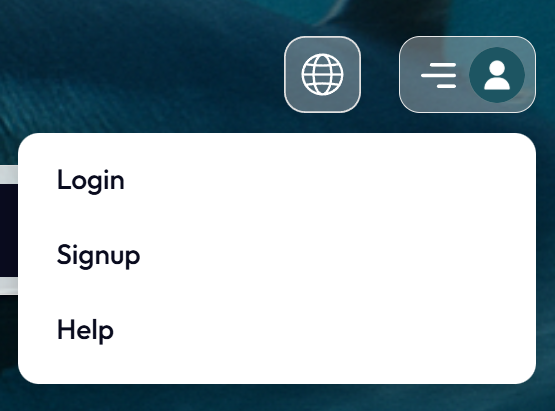
If you haven’t registered yet, you can sign up from the top right menu, or by clicking here:
https://reelzy.co/register
Once you’ve registered, make sure you’re logged in.
2. Nothing to switch
The same Reelzy account books trips and runs a charter. There is no Guest / Business switch, so you can open the listing form straight away.
Until you have a listing, the account menu at the top right shows List your boat. Once you have one, the menu also shows your captain pages and the header shows Captain dashboard. More about where everything is: Where to find your captain and guest pages.
3. Add Your Listing
If you already have a listing:
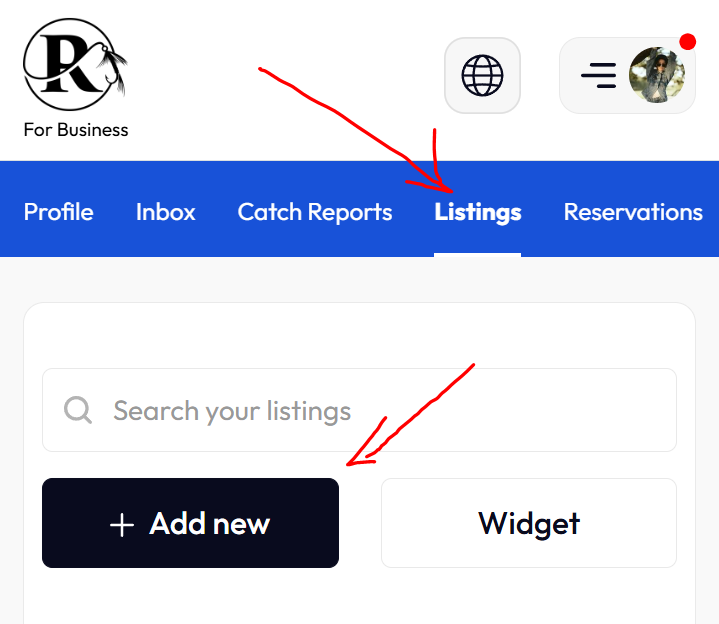
- Click Listings in the top-right menu
- Select Add New
- Fill in your boat details, photos, trip types, availability and pricing
Or you can go directly to the listing form here:
https://reelzy.co/new-listing?mode=new
4. Upload Documents and Publish
Guests see your listing only after your documents are approved.
- Open reelzy.co/document-verification?as=captain
- Upload a photo or scan of each document to its section, starting with your Government ID
- Go back to your listing and publish it. While documents are checked you will see Documents Under Review, and the listing goes live automatically once they are approved
Full details: How to upload documents to publish your listing.
5. Common Issues and Fixes
‘I tried to list my charter vessel but can’t find how’
There is nothing to switch first. Go straight to the listing form:
https://reelzy.co/new-listing?mode=new
‘My listing is saved but guests can’t see it’
Your documents have not been uploaded yet or are still being checked. See step 4.
‘I can’t find where to register’
Use the main registration page here:
https://reelzy.co/register
‘Where do I add my boat?’
If you already have a listing, go to:
Listings -> Add New or use the direct link:
https://reelzy.co/new-listing?mode=new
6. Need Help?
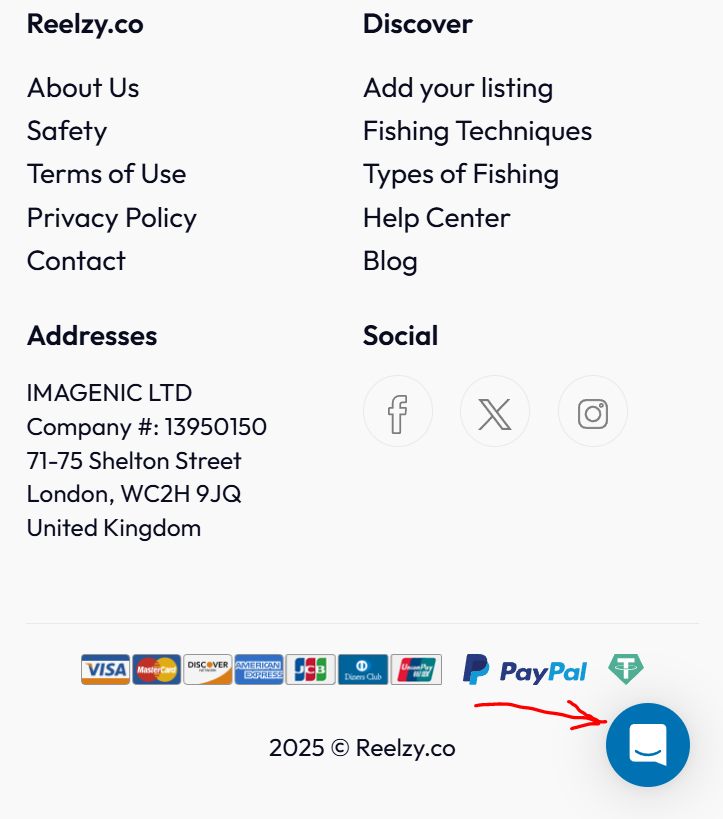
If you’re still stuck or unsure about anything, just message us through the chat widget in the bottom-right corner of the website.